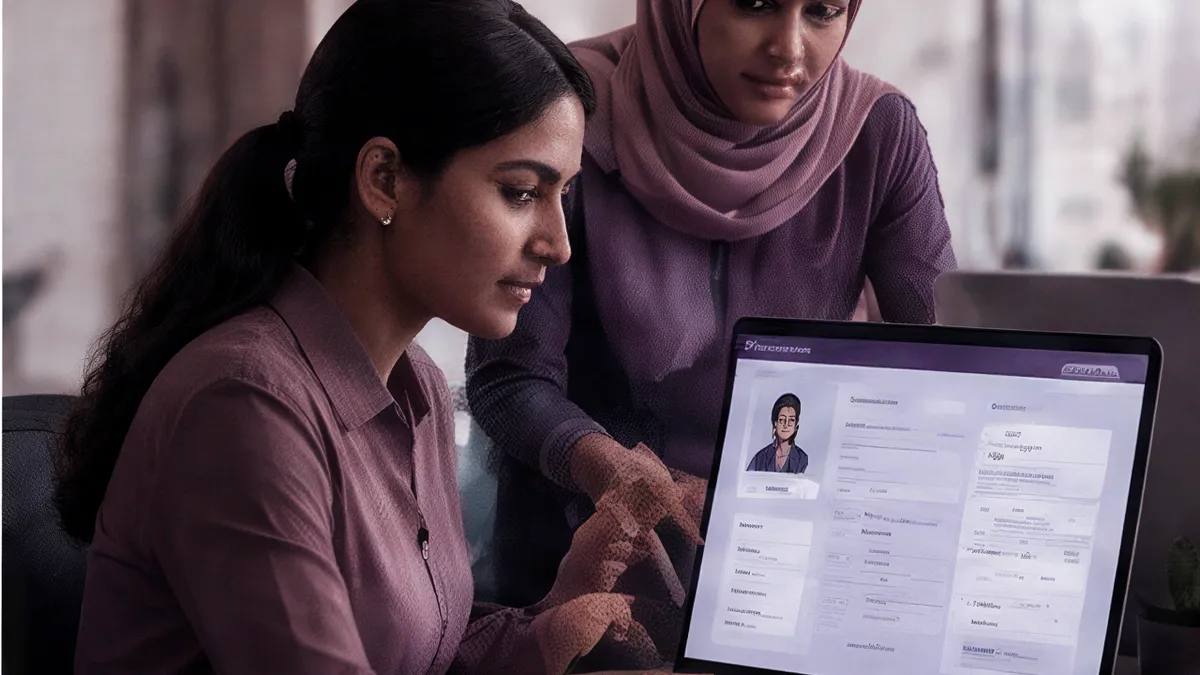
HRM software (human resource management software) keeps every employee record, from joining date to final settlement, in one place, and payroll software turns that record into accurate pay each month. This guide covers what HRM and payroll software should do for a growing team, and what to check before you buy.
What is HRM software?
HRM software is the system of record for your people. It stores employee profiles, documents and reporting lines, and runs the processes around them: onboarding, attendance, leave, approvals, policies and offboarding. When payroll is built in, the same record drives each month's salary, so pay always reflects the latest attendance and leave.
HRM is usually the first application a growing company moves into an ERP suite, because every other process, from projects to invoicing, depends on knowing who works for you.

What should HRM and payroll software include?
At minimum: employee records, attendance, leave with accrual and carry-forward, a payroll run you can review before it is final, salary structures, approvals, and offboarding with a full-and-final settlement. Look for configurable policies, so rules for different teams or locations are set once and applied automatically, not tracked in spreadsheets.
| Capability | What good looks like | In PeopleParity HRM |
|---|---|---|
| Payroll run | Reviewable steps before anything is final | Ten-step wizard: leaves, timesheets, joiners, exits, bonuses, reimbursements, ad-hoc payments, arrears and variable pay |
| Payroll controls | Approval, lock and rollback | Calculate, approve, lock and mark-paid, with rollback and per-employee salary holds |
| Salary structures | Components you define | CTC-range structures with percentage, fixed, formula and balancing components |
| Leave | Accrual and year end handled automatically | Monthly accrual, carry-forward with expiry and year-end processing |
| Attendance | Check-in you can trust | Geofenced check-in by coordinates and radius, plus a work-from-home mode |
| Approvals | One inbox for managers | Timesheets, leave, expenses, WFH, resignations, salary revisions and documents |
| Offboarding | Nothing missed at exit | Notice periods, exit checklists and interviews, Microsoft 365 access revocation, full-and-final settlement |
Why does payroll need to be part of HRM?
Payroll depends on HR data: who joined or left this month, approved leave, attendance, salary revisions and arrears. When payroll sits in a separate tool, someone exports that data and re-enters it, which is where errors creep in. Built-in payroll reads the same records, so every figure traces back to its source.
In PeopleParity HRM, each payroll run moves through calculate, approve, lock and mark-paid. Pay groups can run weekly, bi-weekly, semi-monthly or monthly, and the pay-days basis can be actual days, a fixed 30 or a fixed 26.
How do you choose HRM software for a growing team?
Start from your next two years, not today. Check that the software handles your pay frequencies, salary components and leave rules without workarounds, supports every country you hire in, gives managers one approval inbox, and shares its records with the rest of your systems so you are not re-keying data as you grow.
Questions to ask every vendor
- Can I review every step of a payroll run before it is locked, and roll it back?
- How are arrears calculated after a back-dated salary revision?
- Does leave accrue, carry forward and expire automatically at year end?
- What happens to an employee's system access when they leave?
- Can policies be assigned to groups of people in bulk?
- Which export formats does the bank transfer file use?
What does HRM software cost?
HRM software is usually priced per employee per month, and payroll is often a paid add-on. In an ERP suite, HRM may be bundled with other applications under one subscription. Compare the total for your headcount, including payroll, attendance and any per-module fees, rather than the entry price of the core HR module.
PeopleParity includes HRM and payroll in its single per-user subscription, alongside every other application. See what HRM includes or check pricing.