What’s inside
Three views per board
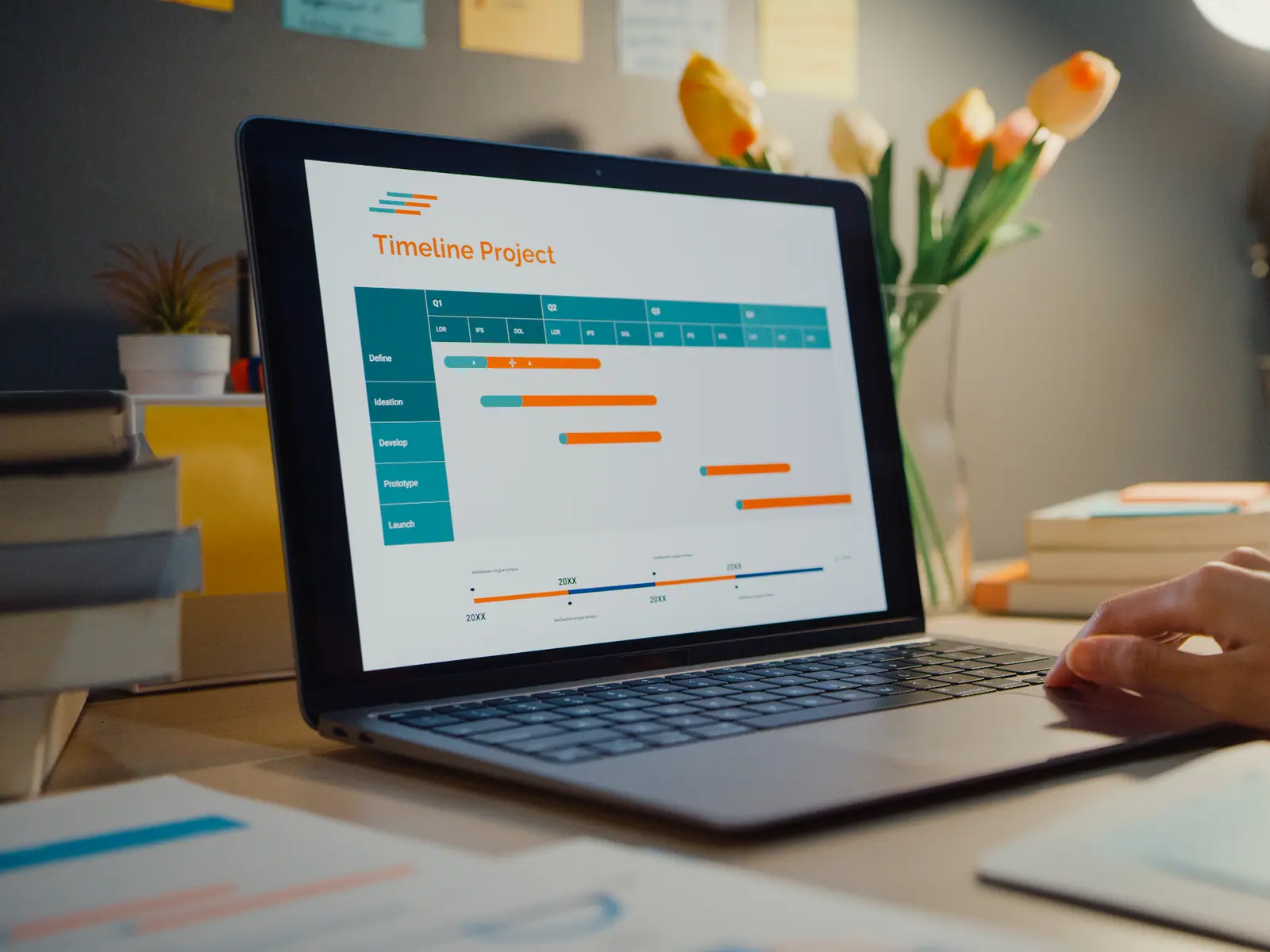
Kanban with real drag and drop, a list view, and a Gantt timeline. Your choice is remembered per board.
Recurring workflows
Schedule work on a cron expression with timezone, start and end dates. Pause, resume or trigger a run by hand.
AI task planning
Describe an outcome and get a proposed task breakdown you can review before it is committed to the board.
SLA and turnaround reporting
Completed counts, average turnaround time, SLA hit rate and sitting time, with a monthly trend chart.
Comments built for engineers
Slash commands, markdown shortcuts for headings, bold, lists and checkboxes, and paste an image straight in.
Custom board statuses
Every board defines its own columns, so a support queue and a build pipeline do not have to share a workflow.
Subtasks and assignees
Break work down, assign multiple people, apply labels and priorities, and attach files with time-limited links.
Board close with checks
Closing a board runs a pre-close check first, and boards can be reopened if something was missed.
Board, list or timeline
Different work needs different views. All three read from the same tasks, so nothing has to be maintained twice.
- Kanban with drag-and-drop reordering that persists
- List view with search, status, priority and label filters
- Gantt timeline for scheduled work
- View preference remembered per board
Templates and automation
Recurring processes get defined once. The scheduler runs on the server and survives restarts.
- Task templates applied on demand
- Cron-scheduled recurring workflows with presets
- Pause, resume, or trigger immediately
- Reports for an individual person or a single ticket
Better with the rest of the suite
These are already included in your subscription — no integration needed.