
AI
Image Recognition
Privacy

Smart Image Matching: How AI Recognizes Your Work Patterns

By PeopleParity Team (Engineering)
Published
1 min read
Glowing world map overlaid with data charts and figures

Summary

Smart image matching lets PeopleParity's tracker understand screenshots rather than just store them. It recognises the software in use, the type of document, code or design on screen and the interface patterns that signal an activity, and it adapts to each person's work patterns over time, with the analysis running locally on the device.

Our advanced AI doesn't just capture screenshots – it understands them. Through sophisticated image recognition and pattern matching, PeopleParity can automatically identify and categorize your work activities with remarkable precision.

How Smart Image Matching Works

Our AI system uses multiple layers of analysis to understand your work patterns:

  • Application recognition: Identifies specific software and tools being used
  • Content analysis: Understands document types, code languages, and design elements
  • UI pattern matching: Recognizes interface elements to determine activity types
  • Behavioral learning: Adapts to your unique work patterns over time
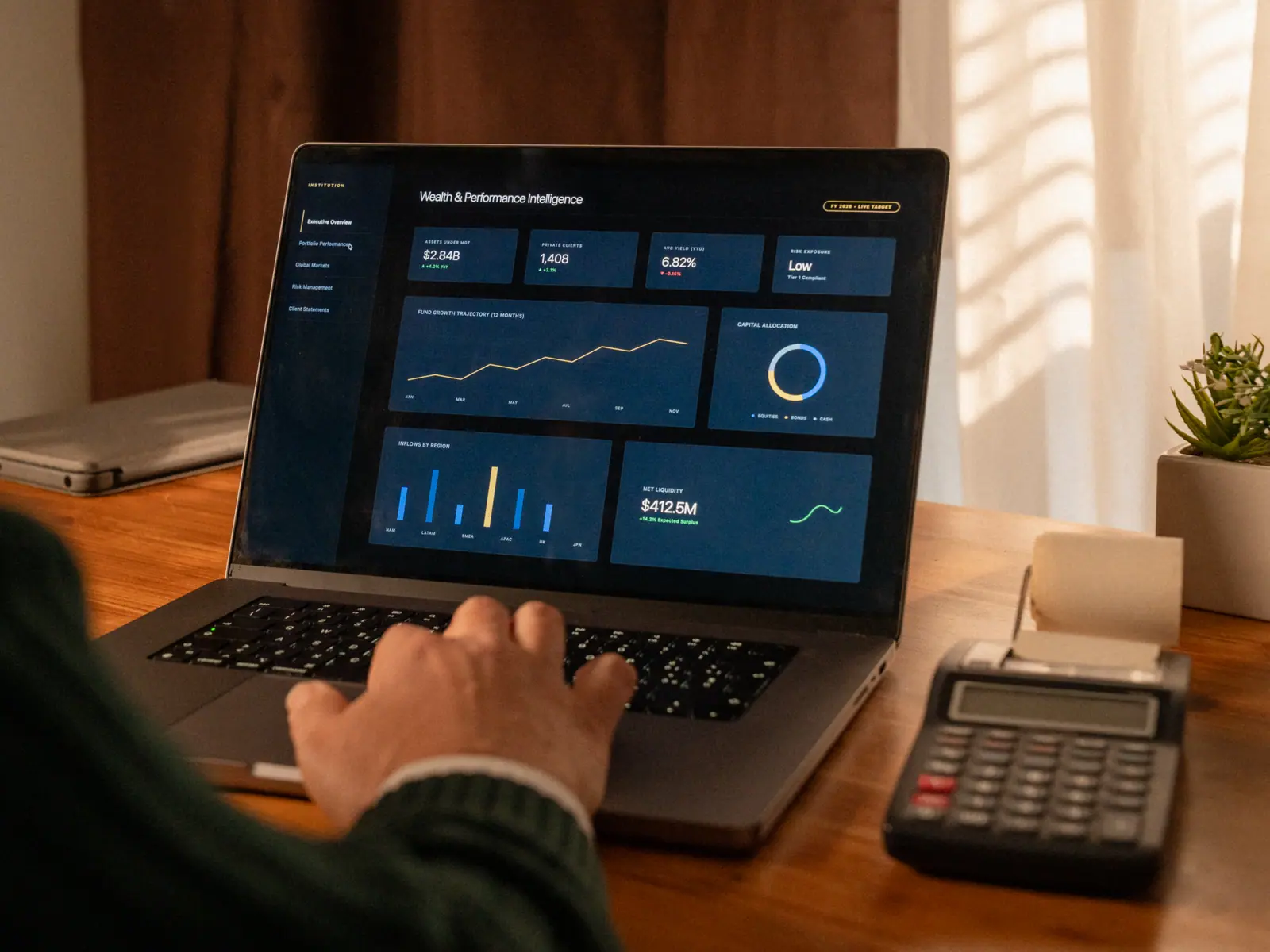
The PeopleParity Productivity Tracker records working time and activity on the desktop.

Privacy-Preserving Technology

All image analysis happens locally on your device using advanced edge AI technology. Your sensitive information never leaves your computer, ensuring complete privacy while providing intelligent insights.

See PeopleParity with your own data

We will walk you through the applications that matter to you.

Related Articles

AI-Powered Screenshot Analysis: The Future of Secure Time Tracking

2 min read

5 Common Time Tracking Mistakes That Are Hurting Your Team

1 min read